Vheer’s Latest Upgrade: Full Review of Its AI Workflow
Vheer’s latest upgrade brings image generation, editing, and video creation into one unified AI workspace. By connecting the entire creative workflow, it helps creators move from idea to final output faster, with smoother iteration and less need to switch between tools.
Creating visuals with AI has become much easier in recent years, but many tools still feel disconnected. You might generate an image in one place, edit it somewhere else, and then move to another tool just to turn it into a video.
Vheer’s latest version tries to solve exactly that problem.
Instead of treating each step separately, it brings everything into one connected workspace, so the entire creative process feels smoother and more natural.
About Vheer AI
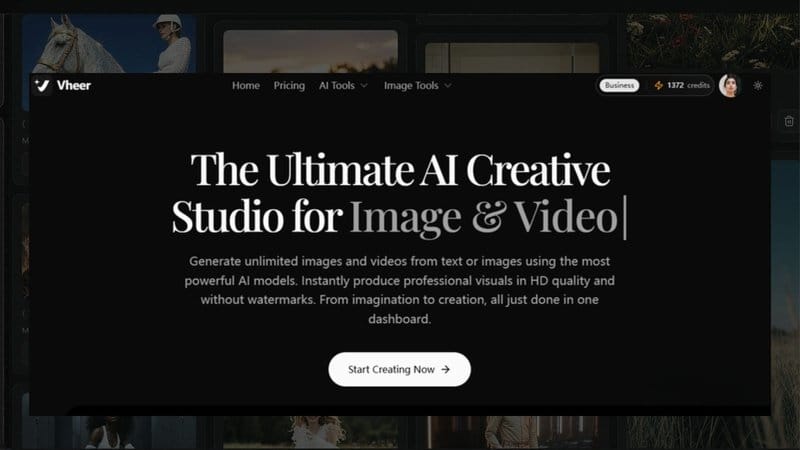
Vheer is an AI generative website designed for image and video creation. It brings together multiple AI tools into a single workspace, allowing users to generate, edit, and transform visual content more efficiently.
What Is the Latest Version of Vheer?
The latest version of Vheer is an upgraded all-in-one AI platform designed for visual creation. It combines image generation, video creation, and editing tools into a single workspace, so you can handle everything in one place without switching between different tools.
The goal is simple — to make creative workflows faster, smoother, and easier to use.
A More Connected Creative Workflow
One of the biggest improvements in Vheer’s latest version is how everything works together.
Instead of using separate tools for different tasks, Vheer connects the entire process. For example:
- An image generated from text can be turned into a video
- A created visual can be edited or enhanced instantly
- Previous outputs can be reused or modified with one click
This makes the workflow feel more flexible, especially if you’re testing ideas or working on multiple variations.
Core Features You Can Use
Vheer brings several AI tools together in one place, and each feature is designed to handle a specific part of the creative process more smoothly.
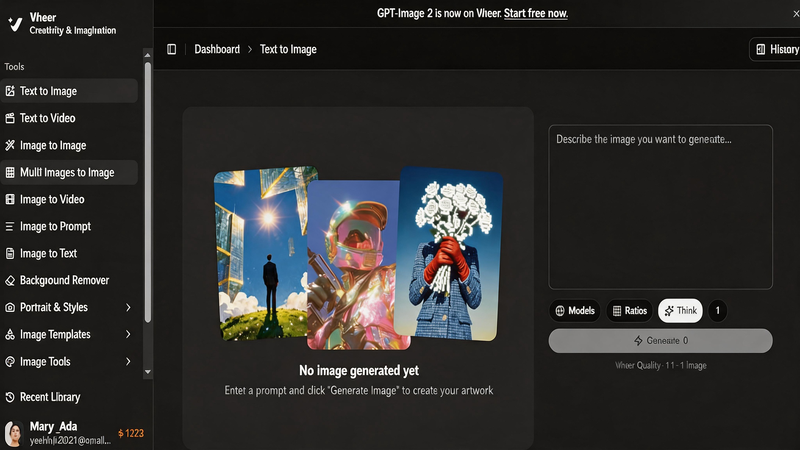
Text-to-Image
This feature turns simple text prompts into detailed visuals in seconds. You just describe what you want, and the AI generates an image that matches your idea. It’s useful for brainstorming concepts, creating illustrations, or producing quick visual drafts when you don’t want to start from scratch.
Text-to-Video
Instead of just generating static images, this tool helps bring ideas to life in motion. You can turn a written prompt into a short video, which is especially helpful for testing creative ideas, storytelling, or creating quick visual prototypes.
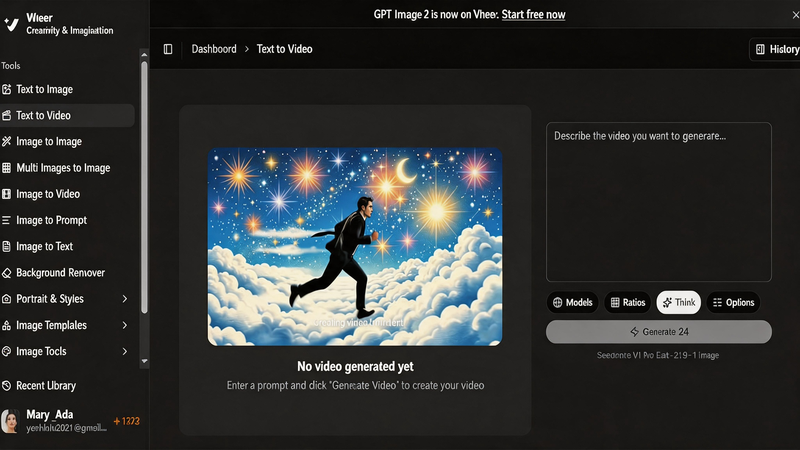
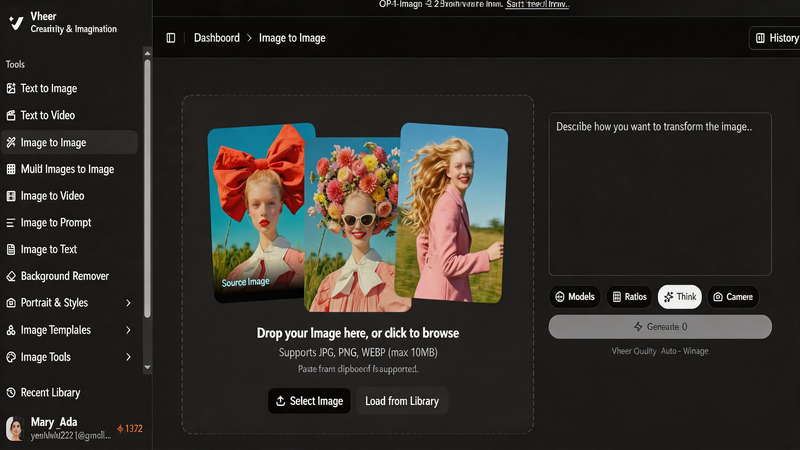
Image-to-Image
This feature lets you transform an existing image into a new style or version. You can keep the original composition but change the look, mood, or artistic style. It’s often used for redesigning visuals or exploring different creative directions without losing the original idea.
Multiple Image-to-Image
Instead of working with just one reference, you can combine multiple images into a single output. This is useful when you want to blend styles, merge concepts, or create more complex visuals for things like ads, product mockups, or design inspiration.
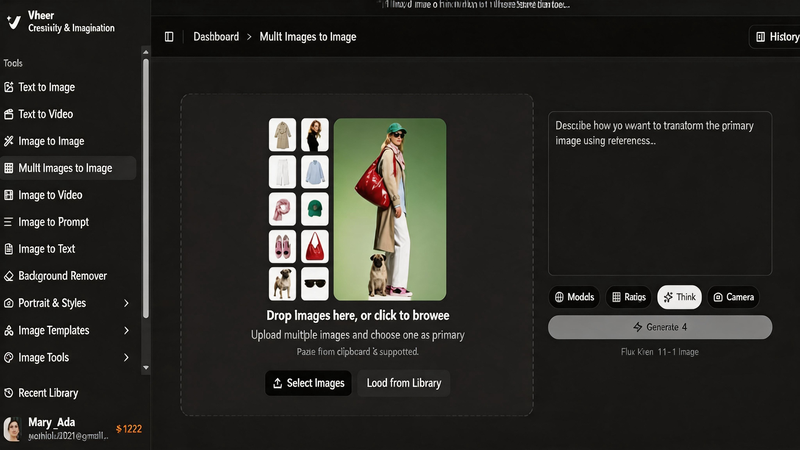
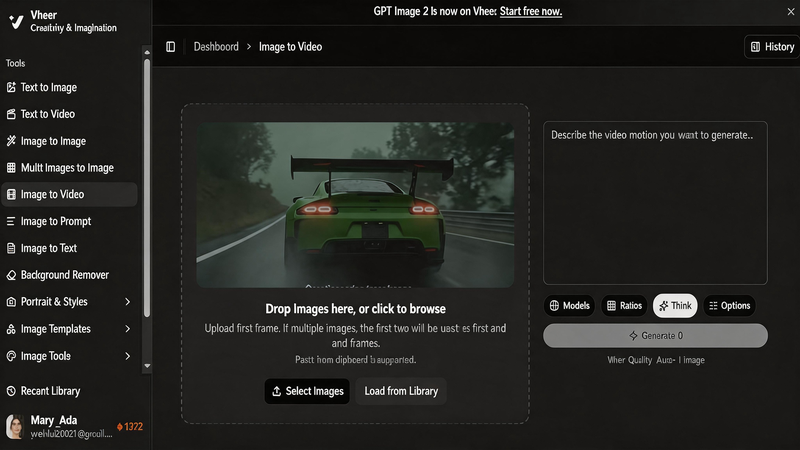
Image-to-Video
This feature turns a static image into a short animated video, adding movement and making visuals more engaging. It’s a great option for social media content or bringing artwork to life.
Vheer supports multiple video generation models, including a free Quality mode and advanced options like Veo 3.1 and Seedance 1.5. This gives users the flexibility to choose based on their needs and budget, making it a practical and affordable AI video generation solution.
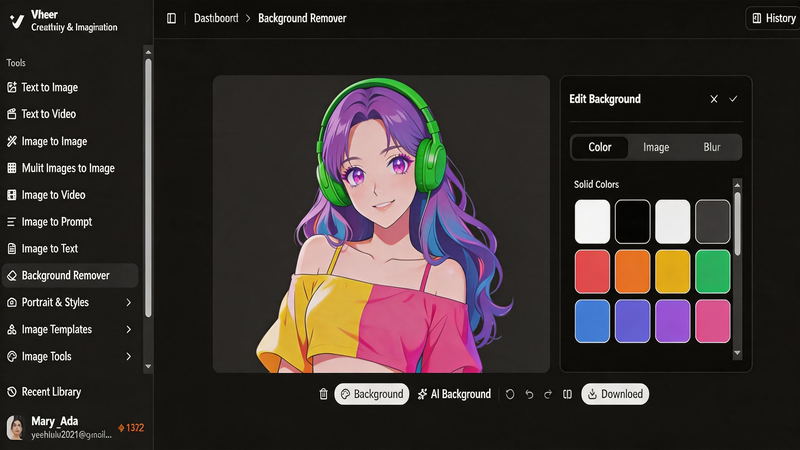
Background Remover
A simple but practical tool that removes or replaces image backgrounds in seconds. It’s especially useful for product photos, clean design work, or preparing assets for marketing materials.
What’s Improved in the Latest Version?
Compared to earlier versions, the upgrade is mainly focused on making the entire creative process feel smoother, faster, and more connected. Instead of improving just individual tools, the experience now feels more like a complete workflow where everything works together.
A Cleaner Interface
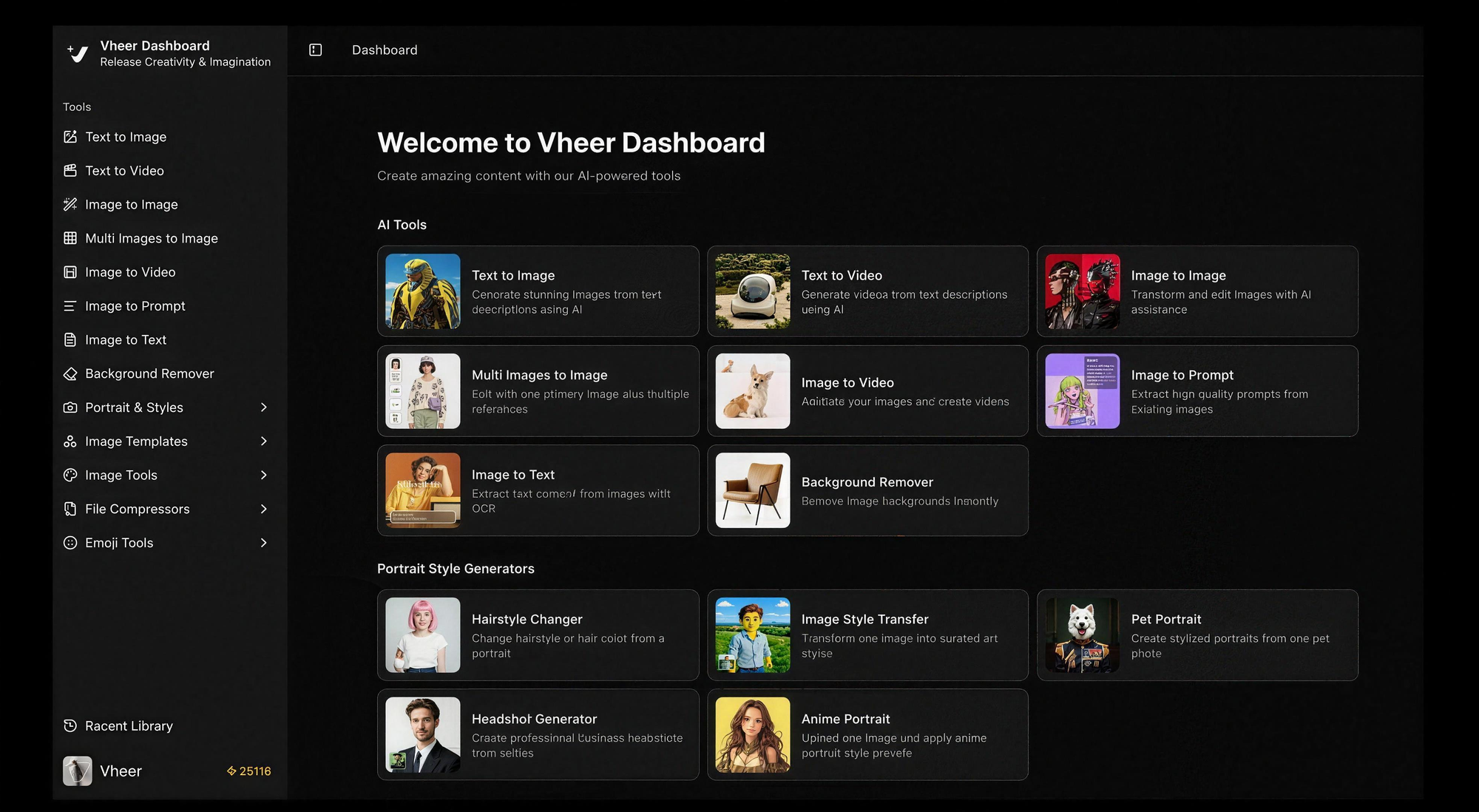
The interface has been redesigned to feel more intuitive and less cluttered. Tools, history, and settings are now easier to access without digging through multiple menus. This makes a noticeable difference when you’re switching between tasks frequently, especially during longer creative sessions. The overall layout also helps users focus more on creation instead of navigation.
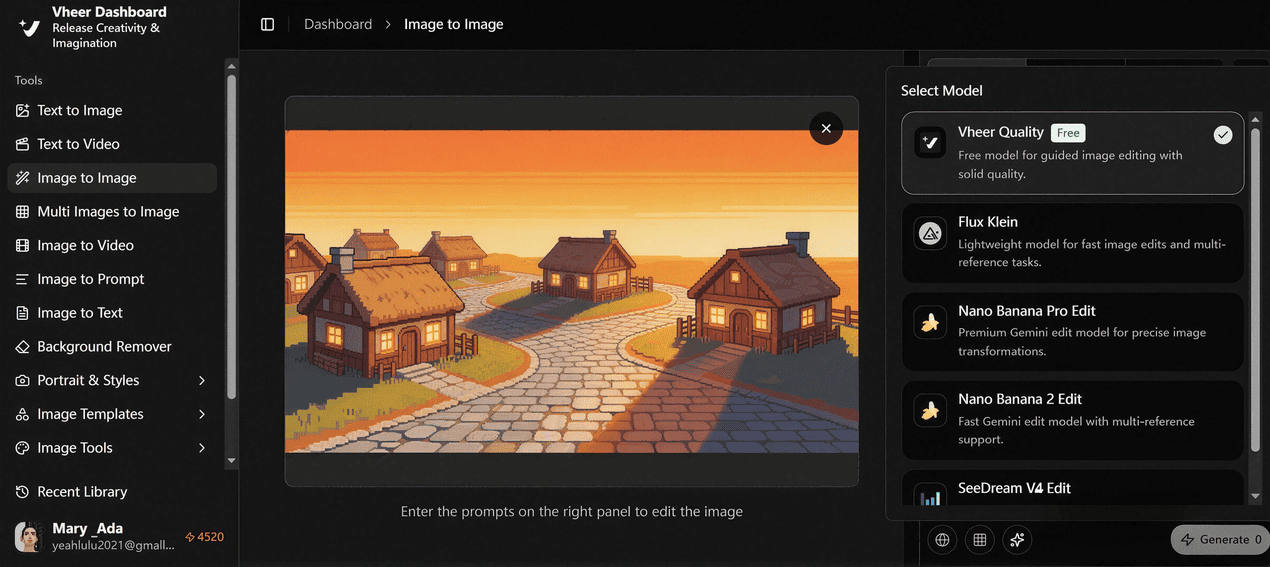
Unified Workspace
One of the biggest improvements is the introduction of a unified workspace. Instead of treating each tool separately, everything now lives inside a single dashboard. You can generate an image, edit it, and turn it into a video without leaving the page. Even better, your past creations are easy to revisit and reuse, which helps when you’re iterating on ideas or building multiple versions of the same concept.
Better AI Models
The latest version integrates a range of advanced AI models to support different types of visual creation, from image generation to video production. These models help improve both quality and creative flexibility across the platform.
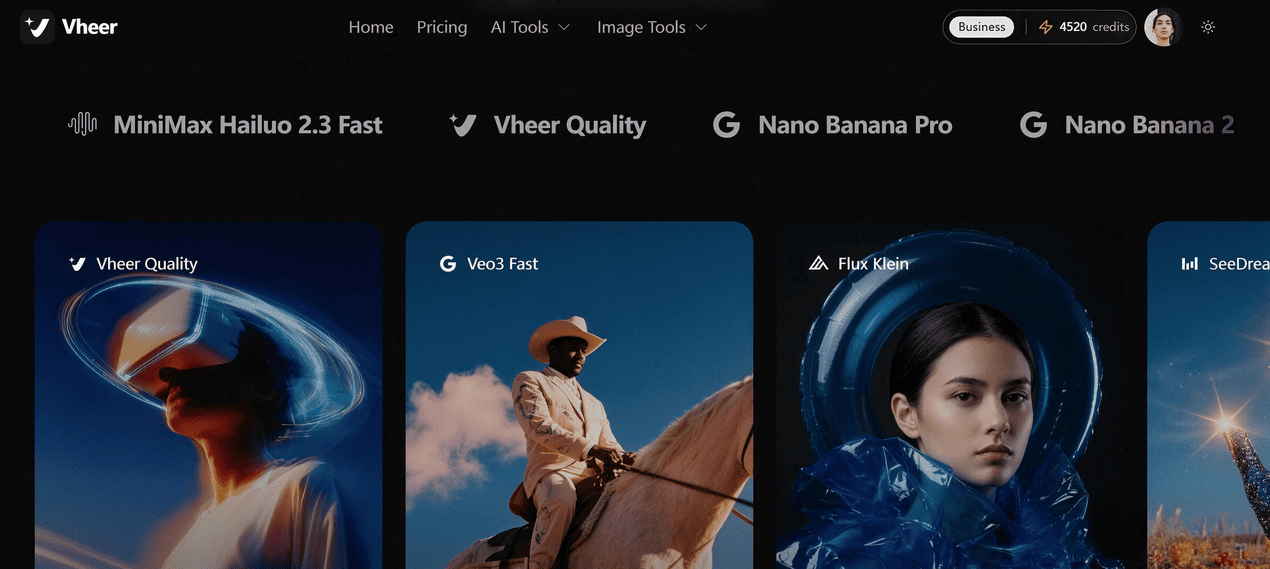
Some of the supported models include:
- GPT Image-2 for high-quality image generation
- Veo 3.1 for advanced video creation
- SeeDance v1.5 for motion-based outputs
- Nano Banana Pro for stylized visuals
- SeeDream V4 for creative image generation
- Sora 2 for cinematic video generation
- LTX Studio for structured video workflows
With these models integrated into one system, users can switch between different creative styles without leaving the platform.
Multi-Image Generation
Instead of relying on a single reference image, you can now combine multiple images to guide the output. This is especially useful when you want to merge different styles, product angles, or creative ideas into one result.
To make this even easier, Vheer also supports an intuitive @ referencing system. You can directly tag specific images when giving instructions, such as letting the person in @image4 wear the dress from @image3 and applying the style from @image1. This removes the need to describe complex relationships between multiple references in text, making the process faster and more precise.
Multi images to image is commonly used in design work, advertising visuals, and e-commerce content where both consistency and variation matter. The ability to clearly assign roles to different images also opens up more creative flexibility when building complex scenes or compositions.
Trackable History (Smart Creative History)
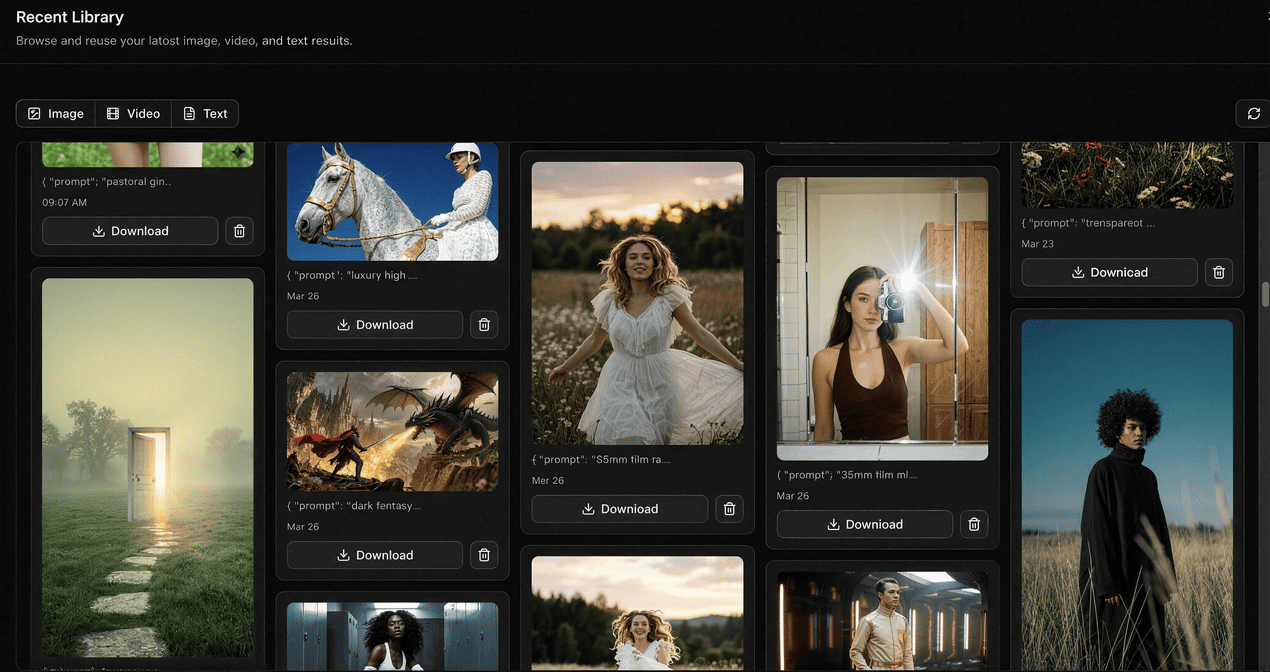
Another major improvement in the latest version is the introduction of a trackable history system.
Every piece of content you generate, whether it is an image, video, or even the prompt behind it, is automatically saved in your history. This makes it easy to go back and review your past work at any time without losing track of your ideas.
What makes it more useful is how detailed it is. You can open any previous generation and see both the final result and the original prompt used to create it. From there, you can instantly download the image or continue working with it.
Even better, each item in your history comes with quick action options. For example, you can take an existing image or prompt and immediately:
- Generate a new image based on it
- Turn it into a video
- Or send it back into editing for further refinement
This turns your history into more than just a record — it becomes an active workspace where past ideas can easily evolve into new creations.
Why This Upgrade Actually Matters for Creators
For most creators, the biggest challenge is not the lack of tools, but the lack of a smooth workflow. Switching between different platforms for image generation, editing, and video creation often breaks the creative flow and slows everything down.
Vheer’s latest upgrade directly addresses this problem by bringing everything into one connected system.
Instead of spending time exporting files, rewriting prompts, or re-uploading assets, creators can now stay inside one workspace from start to finish. An idea can move naturally from text, to image, to video, and then back into editing without interruption.
This also changes how iteration works. In traditional workflows, testing different variations usually means starting over or manually managing multiple versions. With Vheer, past outputs can be reused instantly through history, making experimentation much faster and less frustrating.
For designers, marketers, and content creators, this means:
- Less time switching tools
- Faster idea testing and iteration
- Easier reuse of past creative work
- More focus on creativity instead of workflow management
In short, the upgrade is not just about adding new features. It’s about removing friction from the creative process and making AI tools feel more like a single, unified creation system.
Final Thoughts
Vheer’s latest upgrade is less about adding more tools and more about bringing everything together into one connected experience. Instead of treating image generation, editing, and video creation as separate steps, it turns them into a continuous workflow.
For creators, this means less friction, faster iteration, and a more natural way to turn ideas into finished visuals. You don’t need to constantly switch between tools or rebuild your workflow every time you want to try something new.
In the end, the biggest change is not just what Vheer can do, but how it changes the way you create.