Building a Reliable Creative Workflow with BlueTally and Vheer
Learn how to build an efficient AI creative workflow, from generating visual content and managing project files to tracking equipment, software licences, and team access for smoother collaboration and delivery.
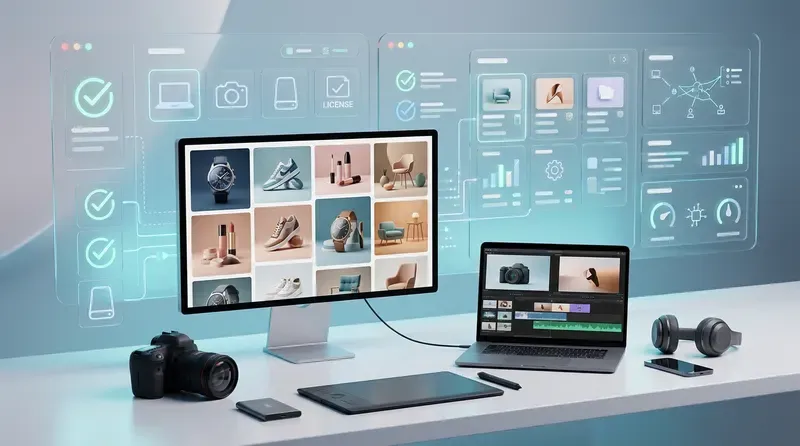
Picture a small creative team preparing a product launch. One designer develops campaign concepts, another refines product images, and a freelancer turns selected visuals into short videos. The first review looks promising, but then revisions arrive. Nobody is sure which reference image was approved, who has the shared camera, or whether the freelancer still has access to the tools needed to finish the work.
These problems reveal two sides of a reliable creative workflow. Teams need an efficient way to produce and refine visual content, but they also need to manage the equipment, software, and access that keep production moving.
Vheer supports the creative side with AI-powered image generation, editing, and video creation. BlueTally helps teams keep track of the hardware and software resources behind that work. Together, they illustrate how creative production and asset management can fit into a more organised process, from the first concept to the final deliverable.
Here is how to build that workflow without adding unnecessary administration.
Start with the deliverables before generating images
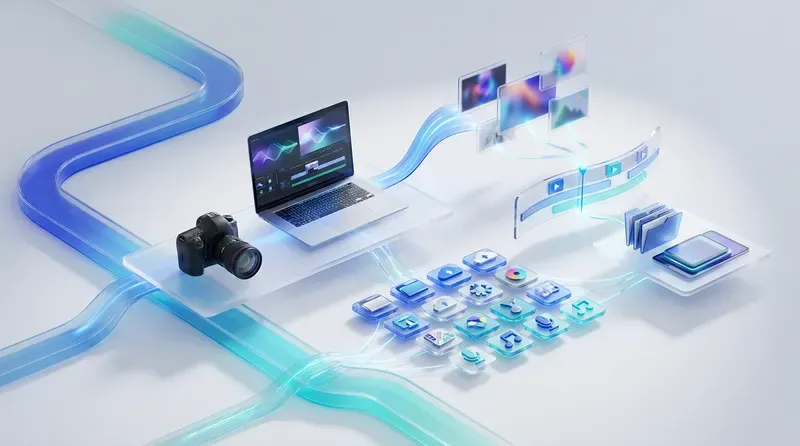
Define what the campaign actually needs before anyone opens a generator. A website hero image, a social advertisement, and a product demonstration video have different requirements, even when they share the same creative direction.
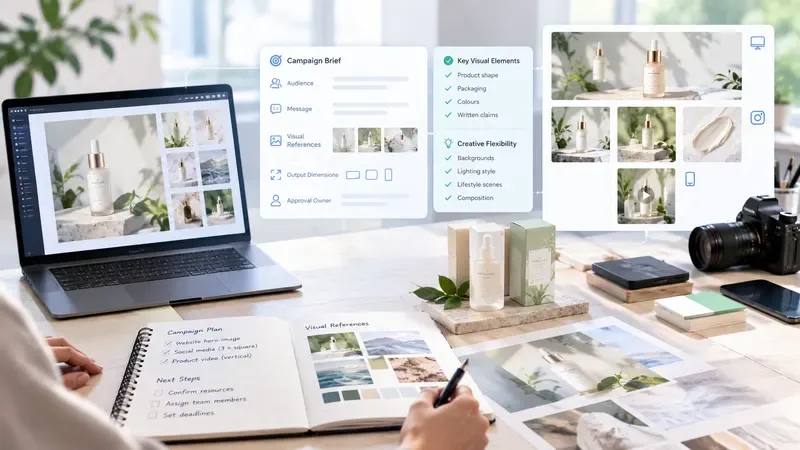
Write a short brief covering the audience, message, visual references, output dimensions, and approval owner. Identify which details must remain accurate, particularly product shape, packaging, colours, and written claims.
For example, a skincare launch might need a wide website banner, three square social graphics, and a vertical video. Specify which elements can be explored creatively and which must remain faithful to the product.
This brief gives the team a shared reference throughout production. It also makes it easier to decide which tools, equipment, and people are needed for each stage, reducing last-minute requests that can interrupt the creative process.
Build a repeatable path from concept to finished visual
Once the deliverables are clear, establish a manageable sequence for creating, reviewing, editing, and exporting content. Decide where an image moves after its first review and who takes responsibility for the next step.
Vheer brings text-to-image generation, image editing, and video creation into a connected creative workspace. Its guide to the AI creative workflow provides a useful starting point for understanding how these activities can fit together.
For a campaign, the sequence could begin with several visual directions. The creative lead selects one, the designer refines it, and the approved image becomes the reference for related formats or motion tests.
For the skincare campaign, the team could explore background concepts first, choose a direction, and then assemble the final layout around an accurate product photograph. The original product reference should remain available throughout review, allowing the team to experiment with the surrounding scene without losing sight of the actual product.
Record the prompts, reference images, tools or models used, and relevant settings alongside the selected results. These details give another teammate a starting point when revisions arrive and help explain why similar generations may produce different outcomes.
A repeatable process also makes resource planning easier. When everyone knows which production stage comes next, the team can prepare the required editing software, hardware, and account access before work reaches a deadline.

Keep working files and approved outputs easy to distinguish
A campaign folder should make the status of each file obvious. Separate incoming references, work in progress, approved exports, and archived versions. Give everyone the same naming convention.
A filename such as “SpringLaunch_SocialSquare_V03_Approved” communicates more than “final_final_new.” Add the channel or dimensions when that distinction affects delivery.
Keep review decisions with the project record. If a client rejects a background or requests a different crop, capture that instruction where the next editor will find it.
For AI work, save the approved output itself as well as its production notes. Prompts provide useful context, but they should not be the only record of an image the team needs later. A clean handover includes the actual files, editable source material where available, and a short explanation of what remains to be done.
This file structure also supports smoother collaboration between designers, editors, and freelancers. Each contributor can identify the correct version without repeatedly asking colleagues to resend files or clarify approval decisions.
Make shared equipment part of project planning
Creative production often depends on more than software. A team may need a camera to photograph a physical product, a calibrated monitor to check colours, or a company laptop for editing and reviewing assets. Equipment availability should therefore be considered alongside the creative schedule.
Keep a record of each shared item's identifier, current holder, condition, and expected return date. If a camera leaves with a freelancer, record the accessories travelling with it. If a laptop is under repair, make that status visible before someone assigns it to a new starter.
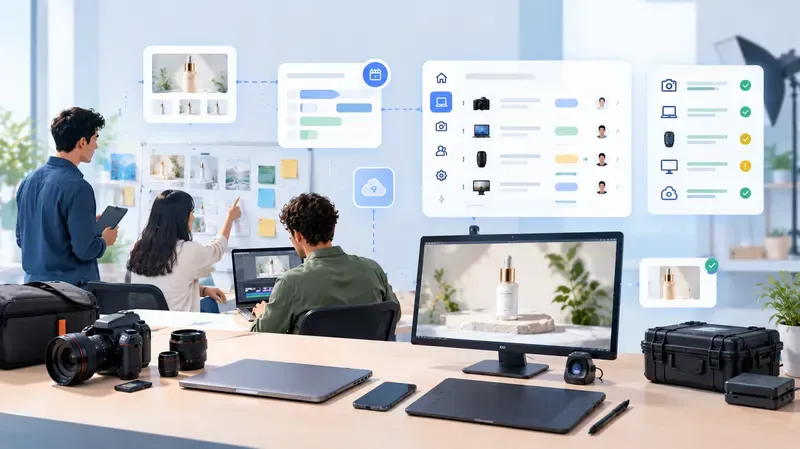
For teams managing equipment across employees and locations, BlueTally provides a way to track hardware assignments, checkouts, and software licences. This gives the person coordinating production a clearer view of who has each asset and whether the resources needed for an upcoming task are available.
Consider the skincare launch: the designer may need a company laptop to refine the campaign visuals, while a photographer uses the shared camera to capture accurate product references. Recording these assignments helps prevent scheduling conflicts and makes it easier to coordinate the next stage of production.
A small team can begin with a shared checkout sheet. As equipment and assignments become harder to track manually, a dedicated asset management system can provide a more consistent record.
Give every paid creative tool a clear owner
Alongside physical equipment, creative teams may rely on several applications for image generation, editing, video production, and delivery. Each paid subscription should have someone responsible for understanding its purpose, managing access, and reviewing it before renewal.
Record the account administrator, assigned users, billing cycle, and projects that depend on the tool. Keep credentials in the company's approved password manager rather than in the subscription list.
BlueTally can help teams maintain visibility into software licences and assigned assets, while creative tools such as Vheer support the actual production of visual content. Keeping these responsibilities distinct makes it easier to understand both what the team uses to create and what resources it needs to keep that work running.
When a project ends, check whether temporary contributors still need paid seats. Before adding another application, consider whether an existing tool can handle the requirement and whether moving work would introduce unnecessary steps.
Make each review practical. A rarely used application may still be essential for a recurring client deliverable. The person responsible should document that need so the team can make an informed decision rather than cancelling a subscription simply because it has seen little recent activity.
Prepare access and handovers before people change
A new designer should be able to complete a small test task before joining a live deadline. Confirm that their device works, the required applications are available, and they can reach the correct project folders.
Include the team's naming conventions, prompt notes, and approval process in the introduction. Access alone does not explain how the work is organised.
The same principle applies when a freelancer finishes an engagement. Confirm that current files, useful prompts, editable source material, and outstanding feedback are stored in company-controlled locations. Transfer responsibility for unfinished work, remove access when appropriate, and arrange equipment returns according to the agreed schedule.
For a remote contractor, identify the return contact and shipping arrangements early. Record the equipment being returned and follow up on missing accessories before the next project needs them.
A clear handover connects both sides of the workflow: the creative materials needed to continue production and the physical or digital resources that must be returned, reassigned, or made available to the next contributor.
Review the output in its intended setting
Before publication, assign someone to approve the finished content against the original brief. Reviewers should inspect the details that matter to the campaign rather than judging an image on appearance alone.
For product visuals, examine proportions, packaging, labels, and any generated details that could misrepresent the item. For social graphics, check cropping and readability at the size viewers will actually see. For video, watch the complete export for unintended movement, visual inconsistencies, and awkward transitions.
Confirm that the publishing team receives the approved version in the required format. Keep that export identifiable even if experimentation continues in the working folder.
At this stage, the creative and operational sides of the workflow come together. The content needs to pass visual review, the correct files must be ready for delivery, and the people responsible must have the access and equipment required to complete their tasks. A clear process helps prevent an otherwise finished campaign from being delayed by a missing file or unavailable resource.
Improve the workflow after each campaign
Close the project with a short review of where work stalled. Look for specific problems, such as missing reference files, unavailable equipment, delayed approvals, unclear software assignments, or access that required repeated follow-up.
Choose one adjustment for the next campaign. That might mean adding a checkout field, clarifying who approves visual directions, improving prompt documentation, or including asset returns in the handover checklist.
Start with one project and use the process throughout its delivery. Vheer can support the journey from visual concept to finished creative assets, while BlueTally can help teams organise the equipment and software resources behind production. By connecting these creative and operational responsibilities, teams can make revisions easier to manage, handovers more predictable, and delivery less dependent on last-minute coordination.
The goal is not to add more tools or administrative steps. It is to make sure that approved work, production resources, and team responsibilities stay aligned from the first idea to publication.