Pika Art AI Video Generator on Pollo AI Complete Review
Explore this in-depth technical review of the Pika Art AI video generator on Pollo AI. Learn about its object-level manipulation tools, creative visual styling presets, and automated sound synchronization features.
Creating cinematic videos traditionally requires editing skills, specialized software, and considerable time. The Pika Art AI video generator offers a simpler way to turn ideas and visual references into video clips. On Pollo AI, users can access Pika to explore its generation capabilities without relying on high-end local hardware. This review examines how it works, the consistency of its results, and its practical uses for marketing, animation, and e-commerce.
What is Pika Art AI Video Generator on Pollo AI?
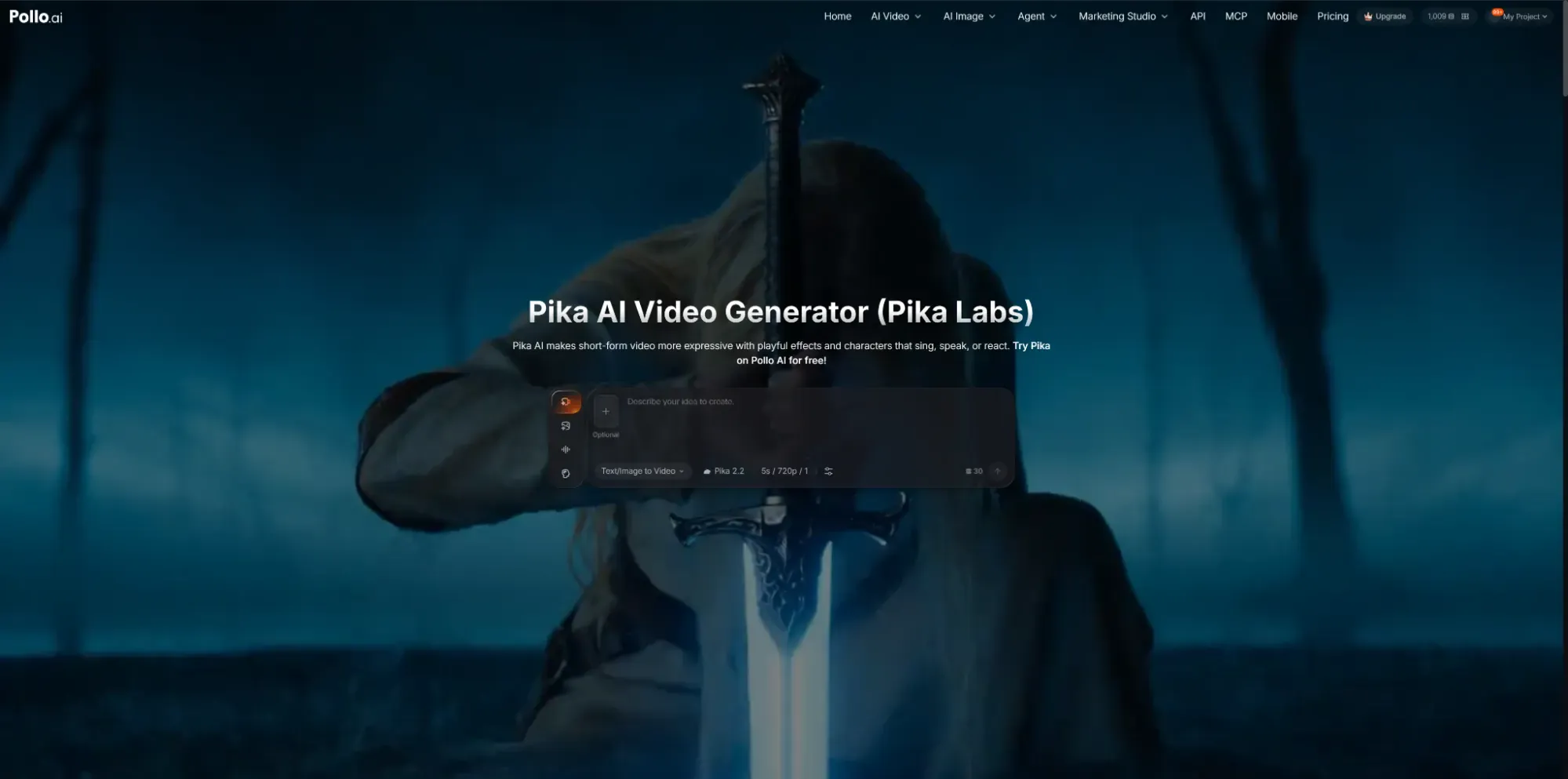
Pika AI, developed by Pika Labs, specializes in short-form video creation with expressive visuals and creative effects. With the Pika Art AI video generator on Pollo AI, users can turn text prompts or images into videos and experiment with features such as Pikaffects, which can make objects melt, inflate, explode, or transform in unexpected ways. Pika also supports expressive effects that make characters appear to sing, speak, or react to audio. These features make it a useful option for social media clips, product teasers, animated content, and creative experiments.
Pollo AI also provides access to other video generation models, including Seedance 2.5, Veo 3.1, and Kling 3.0. This gives users alternatives for different creative needs, from stylized short clips to more cinematic video generation. Rather than committing to a single model, creators can explore the available options and choose one that best fits their content, visual style, and workflow.
Practical Use Cases
The structural versatility of the Pika Art AI video generator makes it an elite asset for diverse business models and modern content industries looking to maximize media output. Digital content managers, meme page operators, and social media influencers deploy the tool to turn static photos or raw video logs into high-energy animation loops or retro claymation clips instantly. By leveraging the tool's ability to execute object-level modifications and replicate high-end editing styles, creative teams can create professional-grade marketing content and launch multi-platform ad campaigns across TikTok, Instagram Reels, and YouTube Shorts without expensive manual production passes, while also supporting workflows related to a YouTube outro maker for consistent branded video endings.
Similarly, social media marketing agencies, video editors, and comedy content creators utilize this model to accelerate creative storytelling and viral marketing campaigns. By running the system alongside Pollo AI's targeted applications—including an AI YouTube Shorts Generator, Travel Video Maker, and an automated video meme maker—creators can turn comedy sketches, text threads, or product promos into eye-catching viral clips. Digital ad managers and e-commerce business owners also use the integrated sound effect generator and motion brushes to transform basic voiceover scripts into multiple targeted ad variants to test different hooks on social media feeds easily.
Key Features of Pika Art AI Video Generator on Pollo AI
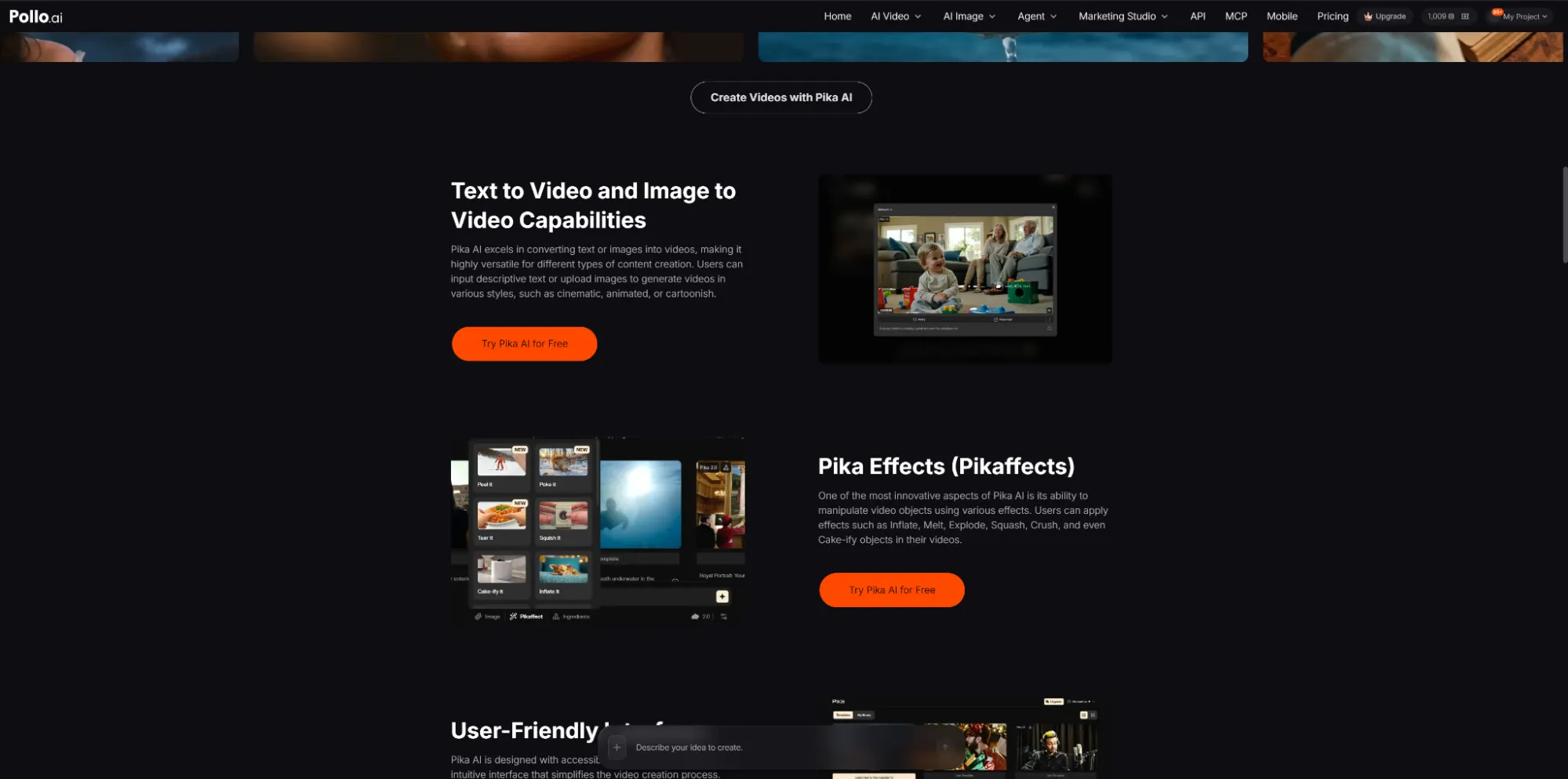
The functional offerings of the Pika Art AI video generator span an extensive laboratory of multi-modal tools engineered to give creators total command over their visual assets. These core features include:
Text to Video and Image to Video Capabilities
Excels in converting raw descriptive text prompts or uploaded images into videos, offering a wide range of camera controls and style customizations across cinematic, animated, or cartoonish formats.
Pika Effects (Pikaffects)
An innovative suite that manipulates video objects with creative, interactive parameters such as Inflate, Melt, Explode, Squash, Crush, and Cake-ify.
Pikaswaps Workflow Architecture
Empowering creators with advanced object-level modification tools to seamlessly replace anyone or anything inside a video layout with pinpoint accuracy.
Scene Ingredients System
Allows creators to combine and add multiple reference images directly into existing videos to generate intricate background details or complex character mashups.
Integrated Soundscape Generation
Automatically scans visual action parameters to output contextually relevant ambient audio tracks and sound effects natively.
User-Friendly Interface
Featuring an intuitive, accessible layout explicitly engineered to simplify the video creation process for both professional videographers and novices alike.
How Pika Art AI Video Generator Works Inside Pollo AI?
Executing an automated post-production loop using the Pika Art AI video generator on Pollo AI is engineered as a non-technical, browser-first workflow. The entire cloud generation pipeline functions smoothly within three structured, straightforward operational steps:
Step 1: Select the Pika AI Model
The content creator navigates to the centralized Pollo AI image-to-video generator layout and chooses the Pika Art AI video generator model from the configuration options panel.
Step 2: Input Your Image and Prompt
The user uploads a high-resolution reference photo (such as a JPG, PNG, or WEBP file up to 10MB) and inputs their text prompt into the matrix box, applying custom configurations like Pikaffects or movement vectors.
Step 3: Start Video Generation
The editor clicks the 'Create' button to initiate the queue; parallel processing networks compile the multi-layer instructions, delivering a high-clarity video asset ready for download within a few short minutes.
Performance and Capabilities
Evaluating the physical performance of the Pika Art AI video generator on Pollo AI reveals an impressive upgrade in frame-to-frame tracking stability and realism. Across major model iterations like Pika 2.0 and Pika 2.1, the engine delivers exceptional processing power that minimizes common post-production bottlenecks. Unlike basic layout generators that suffer from unexpected visual warping or edge degradation during fast-paced sequences, this system maintains competitive continuity, enabling creators to map fluid tracking shots and complex object transformations with high fidelity.
The natural language parsing engine and regional brush tracking display high efficiency, translating detailed prompts into unique visual concepts smoothly. When a user runs an inflation, squish-it, or explosion pass, the underlying algorithm calculates light paths, reflections, and environmental adjustments accurately. This high computational reliability ensures that intricate clothing textures, animated loops, and environmental details stay unified across multiple frames. For creators seeking even more extensive interactive parameters, Pollo AI bundles this engine with its own expanded video effect library—featuring advanced options like AI kissing and AI hugs—ensuring a secure, highly collaborative workspace.
Is it Worth it?
Deploying the Pika Art AI video generator on Pollo AI provides an exceptionally high return on investment (ROI) for modern production teams, marketers, and animators aiming to scale creative assets safely. By automating script analysis, object-level modification, and multi-sensory synthesis entirely in the cloud, this ecosystem shifts the editor's role from mechanical frame manipulation to high-level creative direction. It removes the massive logistics costs, actor fees, and studio rental liabilities traditionally required to run commercial campaigns. While a limited free tier exists for basic testing, subscribing to a paid generation token plan unlocks the system's full potential for enterprise production pipelines, outperforming traditional software setups through its unique motion brush flexibility and professional precision.
My Tips for Using the Pika Art AI Video Generator on Pollo AI
While the automated audio sync generator works beautifully for high-action clips, for subtle character dialogue or precise vocal alignment, it is best to import external voice stems to maintain absolute lip-sync tracking precision.