How AI Tools Help Content Creators Improve Video and Image Quality
Discover how AI tools help content creators remove video watermarks, enhance photo clarity, and improve visual quality for social media, websites, and marketing campaigns.
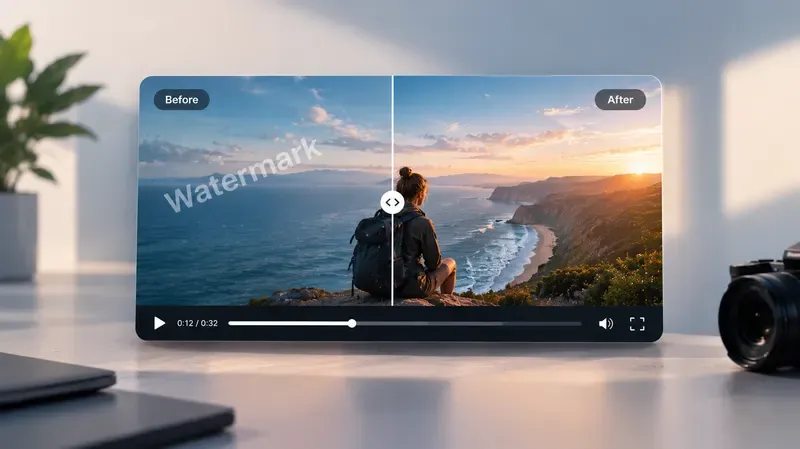
Creating high-quality visual content has become an important part of digital marketing, social media, and online communication. Whether producing short videos, promotional graphics, or website images, content creators need visuals that look clear, engaging, and professional. However, common problems such as blurry images, unwanted watermarks, poor lighting, and low-resolution footage can affect the final result. Artificial intelligence is making it easier to solve many of these issues without requiring advanced editing skills or expensive software.
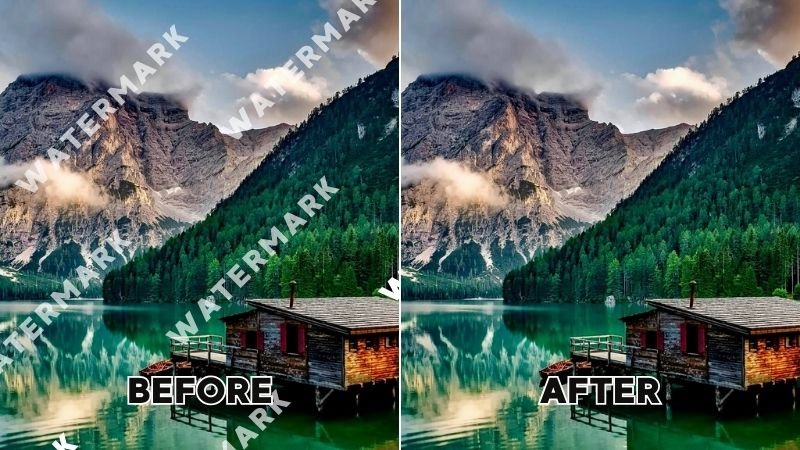
One common challenge creators face is dealing with unwanted logos, text overlays, or watermarks in their own video footage. AI-powered tools can help users remove watermark from video content by analyzing the surrounding frames and reconstructing the affected areas. This can be useful when repurposing previously edited videos, updating marketing materials, or preparing clean versions of original footage for different platforms. Instead of manually editing each frame, creators can use AI to simplify the removal process and save time.
Image quality is another important factor in producing professional digital content. An AI-powered image enhancer can help improve blurry photos, increase image resolution, and enhance visible details. These tools are especially helpful for social media managers, designers, and businesses working with older photographs or compressed images. By improving clarity and reducing visual imperfections, AI enhancement makes it easier to prepare images for websites, advertisements, thumbnails, and other digital projects.
Why Visual Quality Matters for Content Creators
Visual content plays a major role in how audiences interact with online information. High-quality images and videos can capture attention, communicate messages clearly, and help brands establish a recognizable visual identity.
For social media creators, visual quality can influence how professional their posts appear. A blurry thumbnail or poorly edited video may discourage viewers from exploring the content further. Similarly, businesses that use unclear product photographs or low-quality promotional videos may struggle to present their products effectively.
Maintaining consistent quality is particularly challenging when creators work with content from different sources. Some photographs may have limited resolution, while videos may contain distracting elements or compression artifacts.
AI editing tools help address these problems by automating tasks that previously required considerable manual effort.

How AI Helps Remove Unwanted Watermarks from Videos
Watermarks are commonly used to identify ownership, protect original content, or indicate the software used during video creation. However, creators sometimes need to remove unwanted overlays from videos they own or have permission to modify.
Traditional watermark removal often involves cropping the affected area, blurring it, or manually reconstructing the background. These methods can reduce video quality or require significant editing time.
AI-powered watermark removal offers an alternative by analyzing the surrounding visual information and attempting to reconstruct the area covered by the watermark.
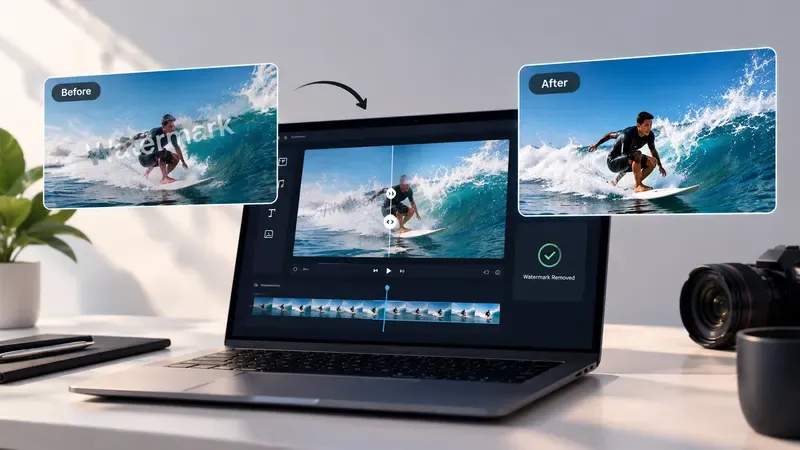
Remove Watermarks Without Cropping the Video
Cropping is a common method for hiding watermarks, especially when they appear near the corners of a video. However, cropping can remove important visual information and change the original composition.
AI watermark removal tools can help eliminate unwanted overlays while maintaining the original video dimensions.
For example, a marketing team may need to update an older promotional video that contains an outdated company logo. Instead of cropping the footage, AI editing can help remove the old overlay so the team can prepare a refreshed version.
The final quality depends on factors such as watermark size, background complexity, and movement within the video.
Maintain Visual Consistency Across Frames
Removing an object from a photograph is different from removing it from a video. Video footage contains multiple frames, and the edited area needs to remain visually consistent as objects and backgrounds move.
AI video editing systems can analyze information across frames to reconstruct missing areas and reduce noticeable inconsistencies.
This is particularly useful when watermarks appear over moving backgrounds or changing scenes.
Although automated tools can simplify the process, creators should review the final footage for visual artifacts or unexpected changes.
Repurpose Existing Video Content
Content creators often reuse their original videos across multiple platforms. A video initially prepared for one campaign may later be needed for a website, presentation, or another social media channel.
Removing outdated branding or unwanted overlays from owned footage can make existing videos more suitable for new projects.
For example, a business may want to reuse an older product demonstration in a new advertising campaign. AI editing can help remove obsolete promotional text or overlays before updated branding is added.
This approach can reduce the need to recreate footage while making better use of existing content.
How AI Image Enhancement Improves Digital Photos
Alongside video editing, image enhancement is becoming an essential part of content production.
Photos are widely used in social media posts, website banners, product listings, advertisements, and video thumbnails. However, not every image is captured under ideal conditions.
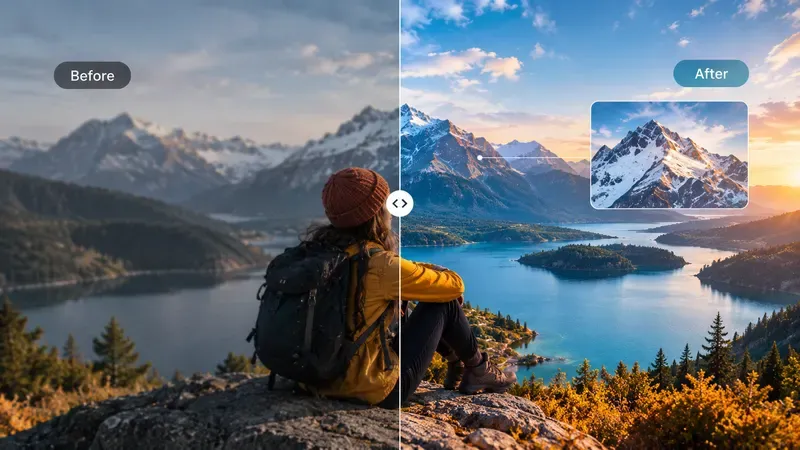
AI image enhancement tools can analyze photographs and improve certain aspects of their visual quality.
Improve Blurry and Low-Resolution Images
Blurry photographs can result from camera movement, poor focus, or low-resolution source files. When these images are enlarged, the lack of detail becomes more noticeable.
AI enhancement can improve perceived sharpness and reconstruct certain visual details to produce a clearer result.
For example, a content creator preparing a YouTube thumbnail may have an older photograph that appears pixelated when enlarged. AI enhancement can help improve its appearance before it is incorporated into the final design.
However, severely blurred photographs may not be fully recoverable, and AI-generated details may not perfectly match the original scene.
Enhance Details and Textures
Fine details are important in many types of digital content, particularly product photography, portraits, and promotional images.
AI enhancement can help improve the visibility of textures, edges, and other visual elements.
An online retailer, for example, may use enhancement tools to improve the clarity of product photographs so customers can better examine visible materials and design features.
Similarly, photographers can use AI enhancement to prepare images for portfolios or digital presentations.
Reduce Noise and Compression Artifacts
Digital images often contain unwanted noise, grain, or compression artifacts. These issues can become more visible when photographs are repeatedly downloaded, resized, or shared across different platforms.
AI-based enhancement can help reduce these imperfections while preserving the overall appearance of the image.
This is useful for creators who regularly work with photographs collected from older projects or multiple devices.
Combining AI Video and Image Editing in One Workflow
Video and image editing are often treated as separate tasks, but many content creation projects require both.
For example, a social media manager preparing a promotional campaign may need to edit a short product video and create several supporting graphics.
The video may contain an outdated overlay that needs to be removed, while the product photographs may require additional sharpening or resolution improvements.
Using AI-powered tools for both tasks can simplify the production process.
Creators can first prepare clean video footage, then enhance the photographs needed for thumbnails, advertisements, and social media posts.
This approach helps maintain a more consistent visual presentation across different types of content.
It can also reduce repetitive editing work, allowing creators to spend more time developing ideas, planning campaigns, and engaging with their audiences.
How Airbrush Supports AI-Powered Visual Editing
Airbrush offers AI-powered photo and video editing tools designed to simplify common visual content challenges.
Its Video Watermark Remover helps users remove unwanted watermarks, logos, and text overlays from video footage. The tool uses AI to reconstruct affected areas, making it useful for creators who need to clean up videos they own or are authorized to edit.
Airbrush also provides an Image Enhancer that helps improve photo clarity, increase resolution, and enhance visible details. It can be used to prepare photographs for websites, social media graphics, product listings, and other digital materials.
These tools support different stages of content preparation. Video watermark removal focuses on cleaning up existing footage, while image enhancement improves the appearance of photographs used alongside that footage.
For content creators working with both formats, using AI-powered editing tools can make everyday production tasks more manageable.
Practical Uses of AI Editing Tools for Content Creators
Social Media Content Creation
Social media creators regularly produce short videos, promotional images, and thumbnails for different platforms.
AI tools can help improve image clarity, remove unwanted elements from original footage, and prepare visuals for publication.
For example, a creator updating an older video series can remove outdated overlays and enhance supporting images to give the content a more consistent appearance.
E-commerce Marketing
Online businesses depend on clear product images and engaging promotional videos to present their products.
AI enhancement can help improve product photography, while video editing tools can assist with cleaning up existing promotional footage.
This is particularly useful for small businesses that need to produce marketing materials without maintaining a large editing team.
YouTube Videos and Thumbnails
YouTube creators need both engaging videos and visually appealing thumbnails.
AI image enhancement can help improve the clarity of thumbnail photographs, especially when working with lower-resolution images.
Video editing tools can also assist creators in removing distracting overlays from their original footage before publishing updated content.
Together, these capabilities support a more polished presentation across a YouTube channel.
Website and Blog Content
Websites frequently use a combination of photographs, illustrations, and embedded videos.
AI enhancement can help improve the appearance of featured images, while video editing tools can prepare cleaner footage for tutorials, product demonstrations, and promotional sections.
Website owners should also optimize image and video file sizes to maintain good loading performance.
Digital Advertising Campaigns
Advertising campaigns often require multiple versions of the same visual content.
A business may need to prepare short videos for social media advertisements, product photographs for display ads, and promotional graphics for landing pages.
AI editing tools can help improve existing assets and make them easier to adapt for different marketing purposes.
This allows teams to reuse approved visual materials rather than producing entirely new content for every campaign.
Best Practices for Using AI Video and Image Editing Tools
Although AI tools simplify many editing tasks, achieving good results still requires careful review.
Start with the highest-quality source files available. Clearer images and videos generally provide better information for AI processing.
When removing watermarks or unwanted overlays, ensure that you own the content or have permission to modify it. Watermarks can indicate ownership or licensing restrictions, and removing them does not grant rights to reuse the underlying material.
For image enhancement, avoid excessive sharpening or artificial-looking details. The goal should be to improve clarity while maintaining a natural appearance.
After processing videos, review the edited areas carefully, particularly in scenes with movement or complex backgrounds.
Finally, export images and videos in formats and resolutions appropriate for their intended platforms. Maintaining a balance between visual quality and file size is important for websites and digital publishing.
The Future of AI in Visual Content Creation
Artificial intelligence continues to change how creators approach photo and video editing.
Tasks that once required specialized software and extensive manual work can now be completed through more accessible AI-powered tools.
Image enhancement, background generation, object removal, and video cleanup are increasingly becoming part of everyday content production workflows.
As these technologies develop, creators may gain greater control over visual quality, composition, and editing consistency.
However, human review remains important. AI can automate technical adjustments, but creators still need to make decisions about visual style, accuracy, branding, and audience expectations.
The most effective workflows combine AI-assisted editing with thoughtful creative direction.
Conclusion
AI-powered editing tools are making it easier for content creators to improve the quality of their images and videos. From removing unwanted watermarks in authorized footage to enhancing blurry photographs, these technologies help address common challenges in digital content production.
By combining video cleanup and image enhancement, creators can prepare more polished materials for social media, websites, e-commerce stores, and marketing campaigns.
Platforms such as Airbrush provide accessible tools for these tasks, helping individuals and businesses improve existing visual assets without relying entirely on complicated editing processes.
As demand for digital content continues to grow, AI-assisted image and video editing will remain valuable for creators looking to produce clearer, more adaptable, and professional-looking visuals.